
Data Backup & Disaster Recovery for Dental Practices
Protect Your Data. Minimize Downtime. Keep Your Practice Running.
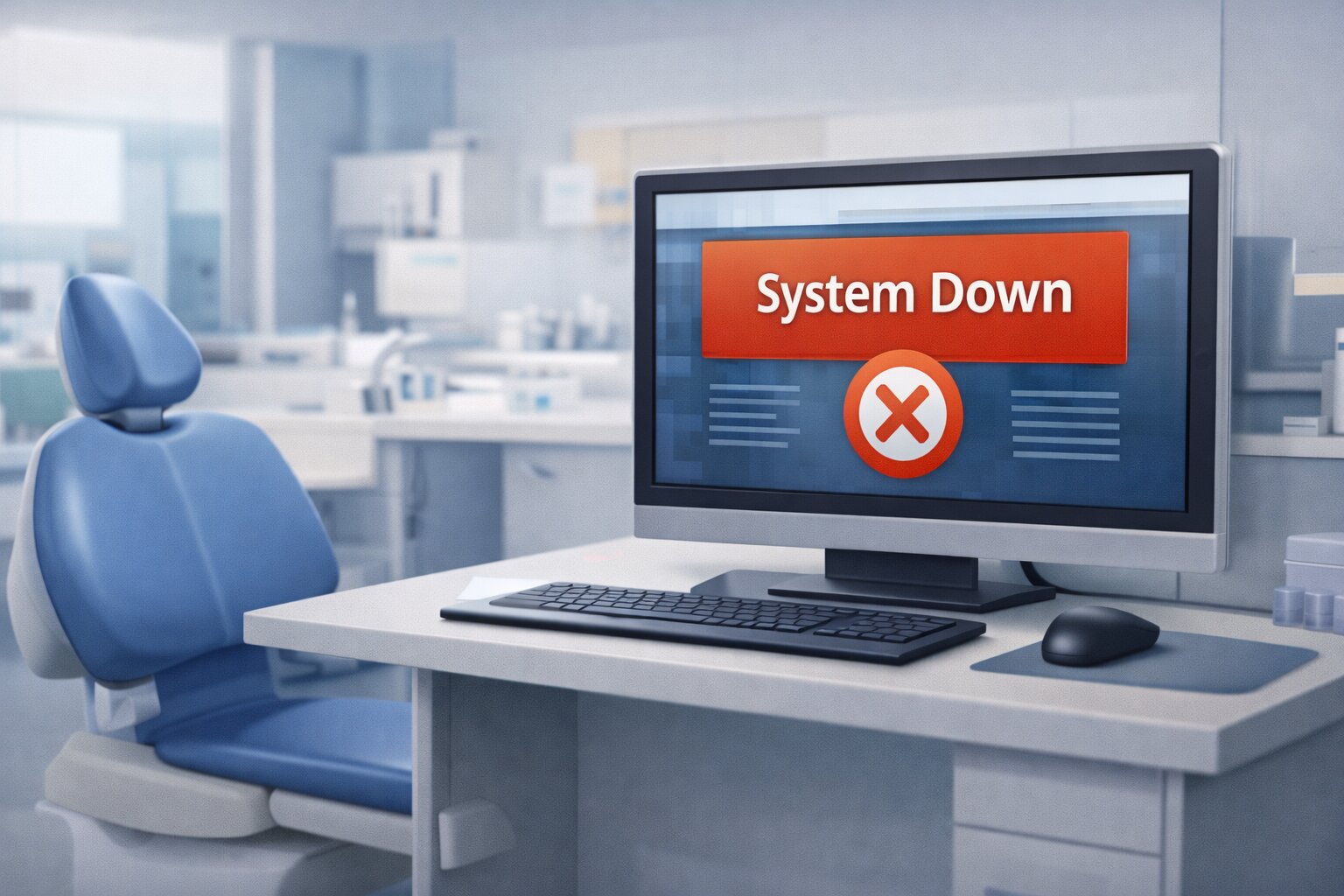
Imagine arriving at your office and being unable to access your appointment schedule, patient records, or accounts receivable. Phones are ringing, patients are arriving, but your systems are down. Data loss, ransomware, hardware failure, or accidental deletion can bring a dental practice to a complete stop—often without warning.
What Backup & Disaster Recovery Means for Dental Offices
Backups are not just about saving files—they are about how quickly your dental practice can recover and resume patient care.

File & Folder Backups
Protects individual data files and documents.
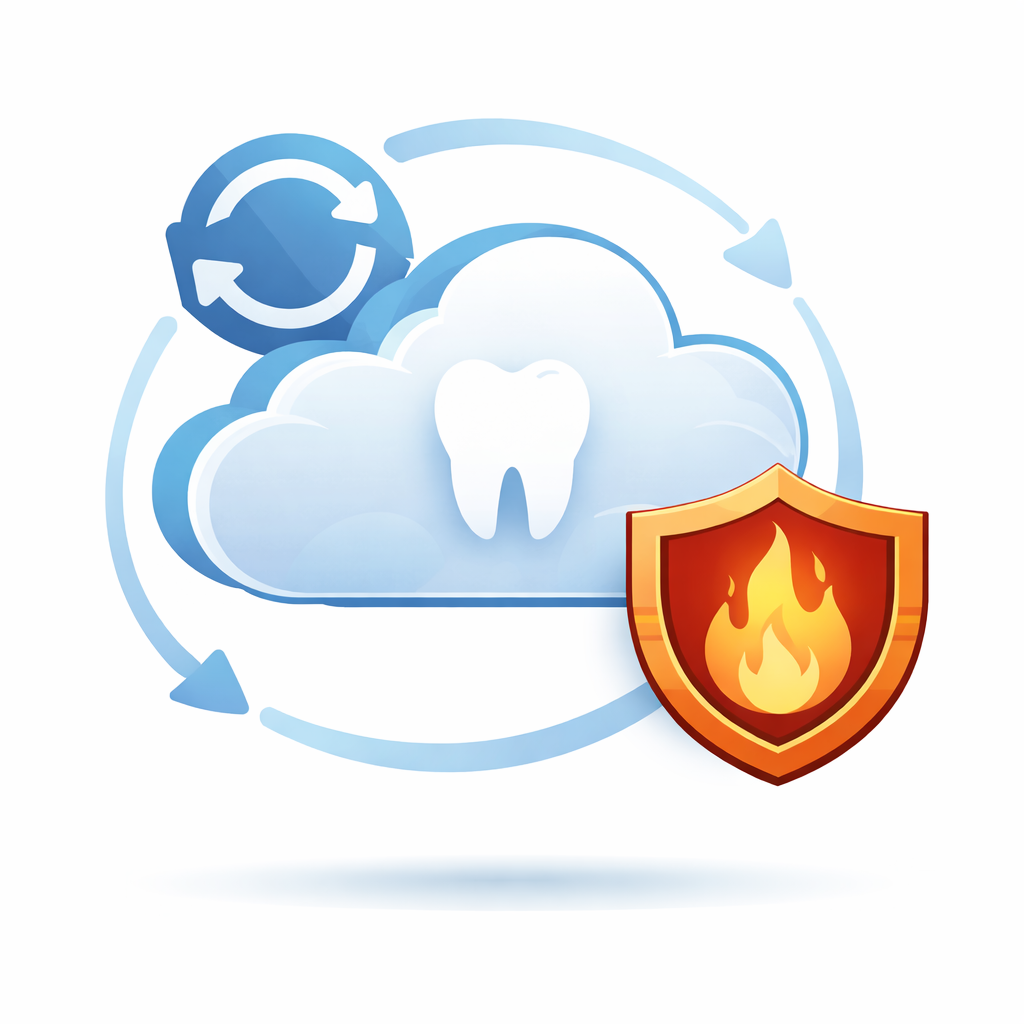
Cloud-Based BCDR
Full system recovery in the cloud, be up and running in seconds.
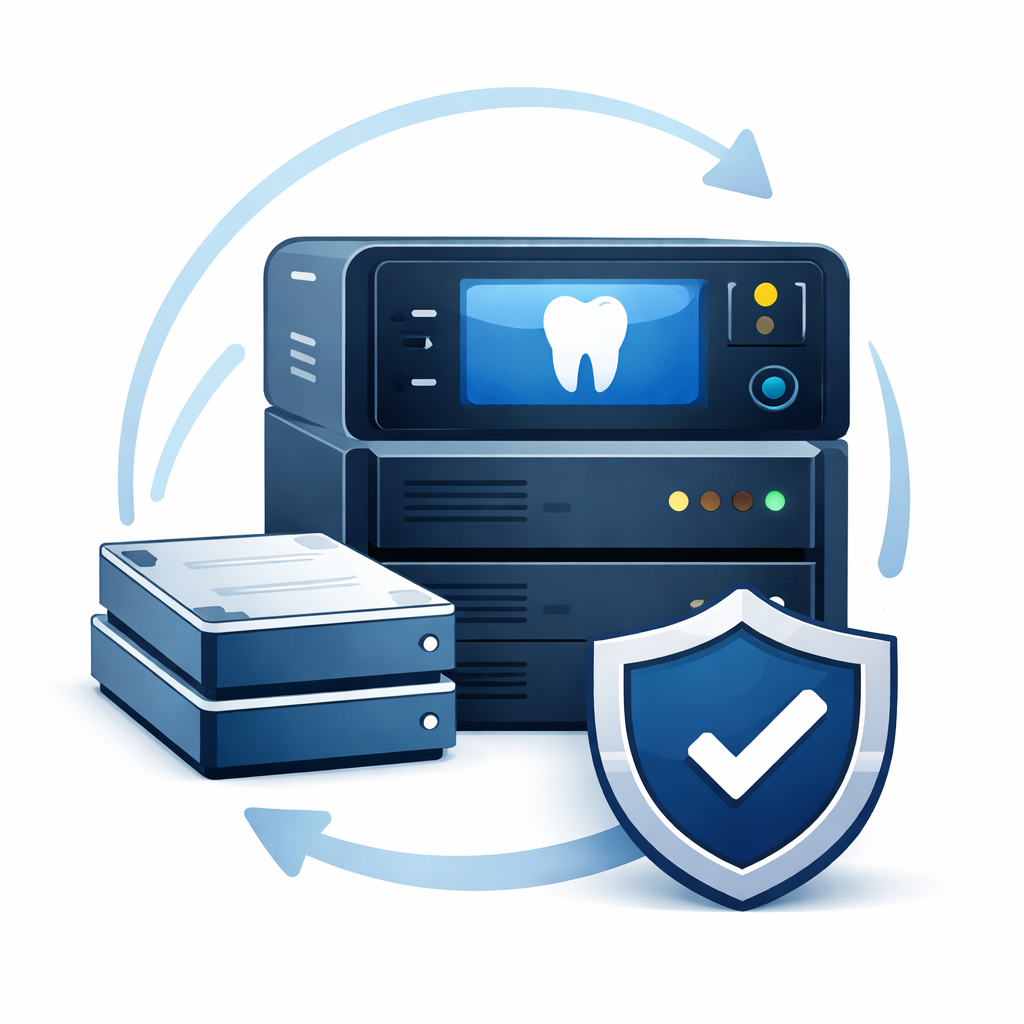
Local BCDR Appliance
Fastest recovery with on-site and cloud redundancy.

Microsoft 365 & Google Workspace Backup
Protects cloud email, OneDrive, GSuite, SharePoint, Calendars, Contacts.
The Real Cost of One Day of Downtime
Downtime directly impacts patient care, production, and revenue.
- Canceled patient appointments
- Lost production and hygiene revenue
- Delayed insurance billing and collections
- Staff downtime and patient frustration
Dental-Focused Backup & Disaster Recovery Protection
Ransomware and data loss in dental practices are most commonly caused by user errors such as clicking a malicious email link, opening an infected attachment, or accidentally deleting critical files. These incidents can encrypt or erase essential systems within minutes. Recurring, monitored cloud backups are essential to ensure your practice can restore clean data without paying ransoms or rebuilding systems from scratch. Abele Technologies designs backup strategies that continuously protect dental data and ensure recovery options are always available when they are needed most.
Backup Solutions for Ongoing Data Protection
Regular backups protect your practice against everyday data loss scenarios such as accidental deletion, file corruption, hardware failure, and ransomware.
- Recurring cloud backups to protect against ransomware and data corruption
- File and folder recovery for accidental deletions and user errors
- Protection for practice management data and shared clinical files
- Monitored backups to ensure data is recoverable when needed
Disaster Recovery & BCDR — If Downtime Isn’t Acceptable
For dental practices where extended downtime is not an option, Business Continuity & Disaster Recovery (BCDR) solutions allow full systems to be virtualized and restored within minutes.
- Near-immediate recovery times measured in minutes
- Full system restoration for servers and critical workstations
- Local and cloud recovery options for different disaster scenarios
- Ideal for high-production practices with full schedules
Backup vs Disaster Recovery: Which Does Your Office Need?
| Feature | File & Folder Backup | Cloud BCDR | Local BCDR (Includes Cloud) |
|---|---|---|---|
| ✓ What Is Protected | Files & folders | Full systems | Full systems |
| ✓ Typical Recovery Time | Hours to days | Minutes | Minutes |
| ✓ Full System Restore | No | Yes | Yes |
| ✓ Downtime Impact | High | Low | Minimal |
| ✓ Ransomware Recovery | Limited | Cloud recovery | Local or Cloud rollback |
| ✓ Fire/Theft Protection | Yes | Yes | Yes |
Microsoft 365 & Google Workspace Backup
Dedicated backups for cloud platforms beyond native retention limits.
- Microsoft 365: Exchange, OneDrive, SharePoint, Teams
- Google Workspace: Gmail, Drive, Calendar, Contacts

Ready to Protect Your Dental Data?
Let’s review your current backups and determine whether your practice could recover quickly enough when it matters most.